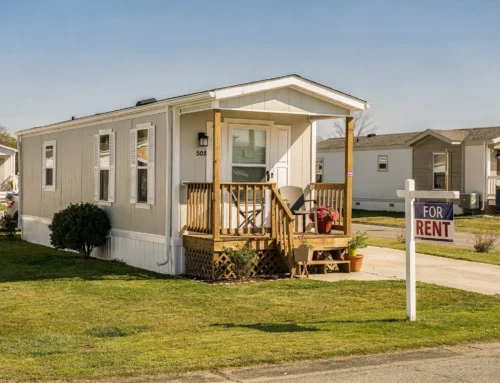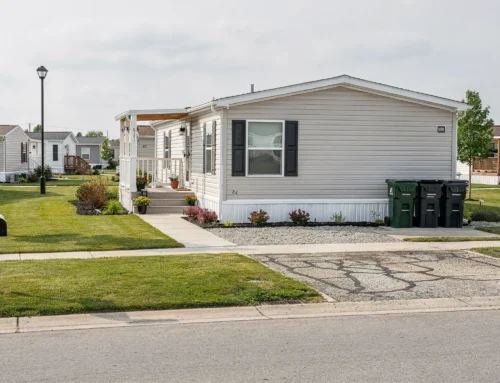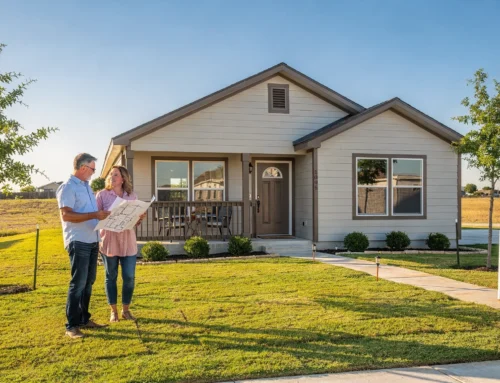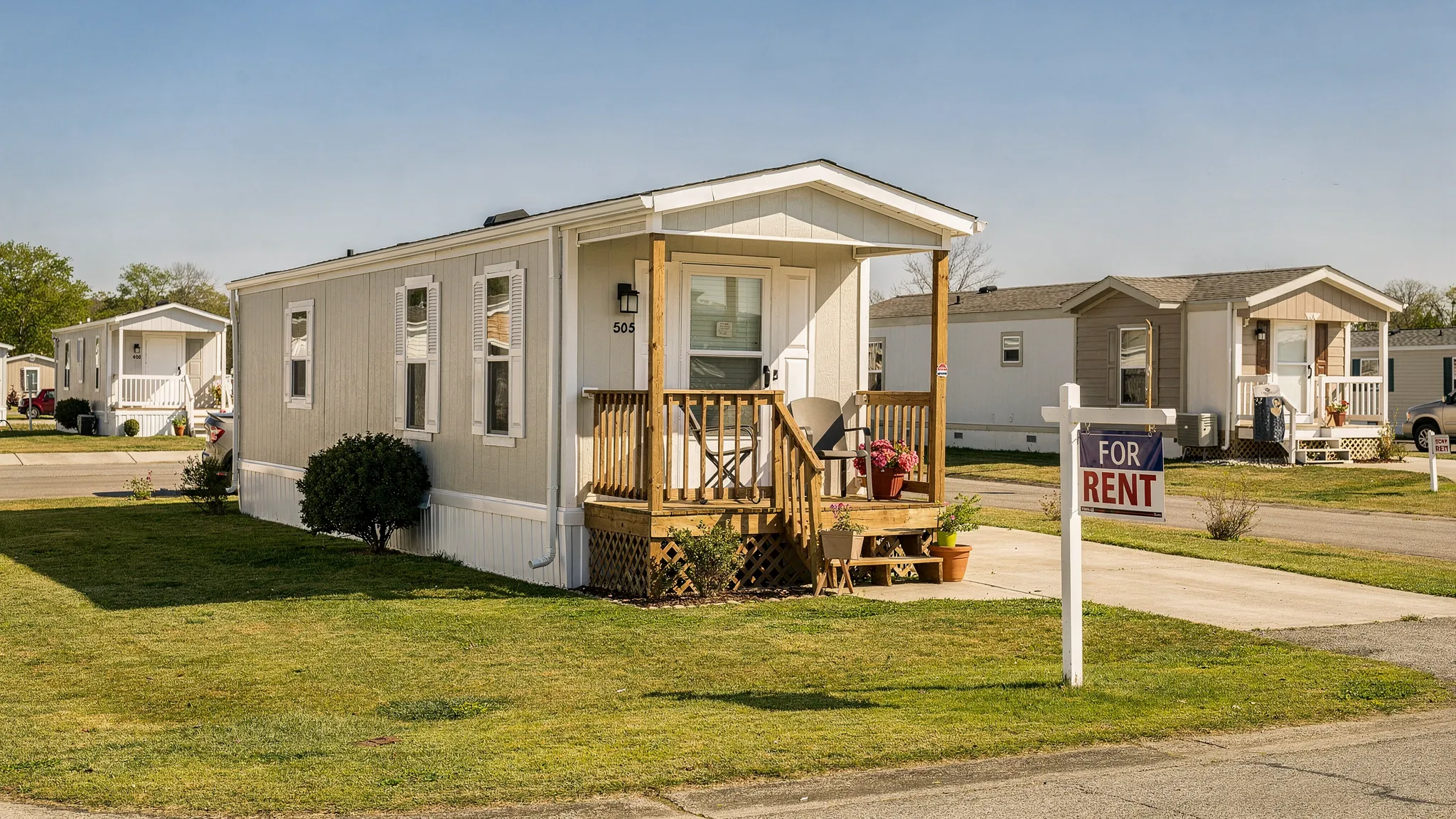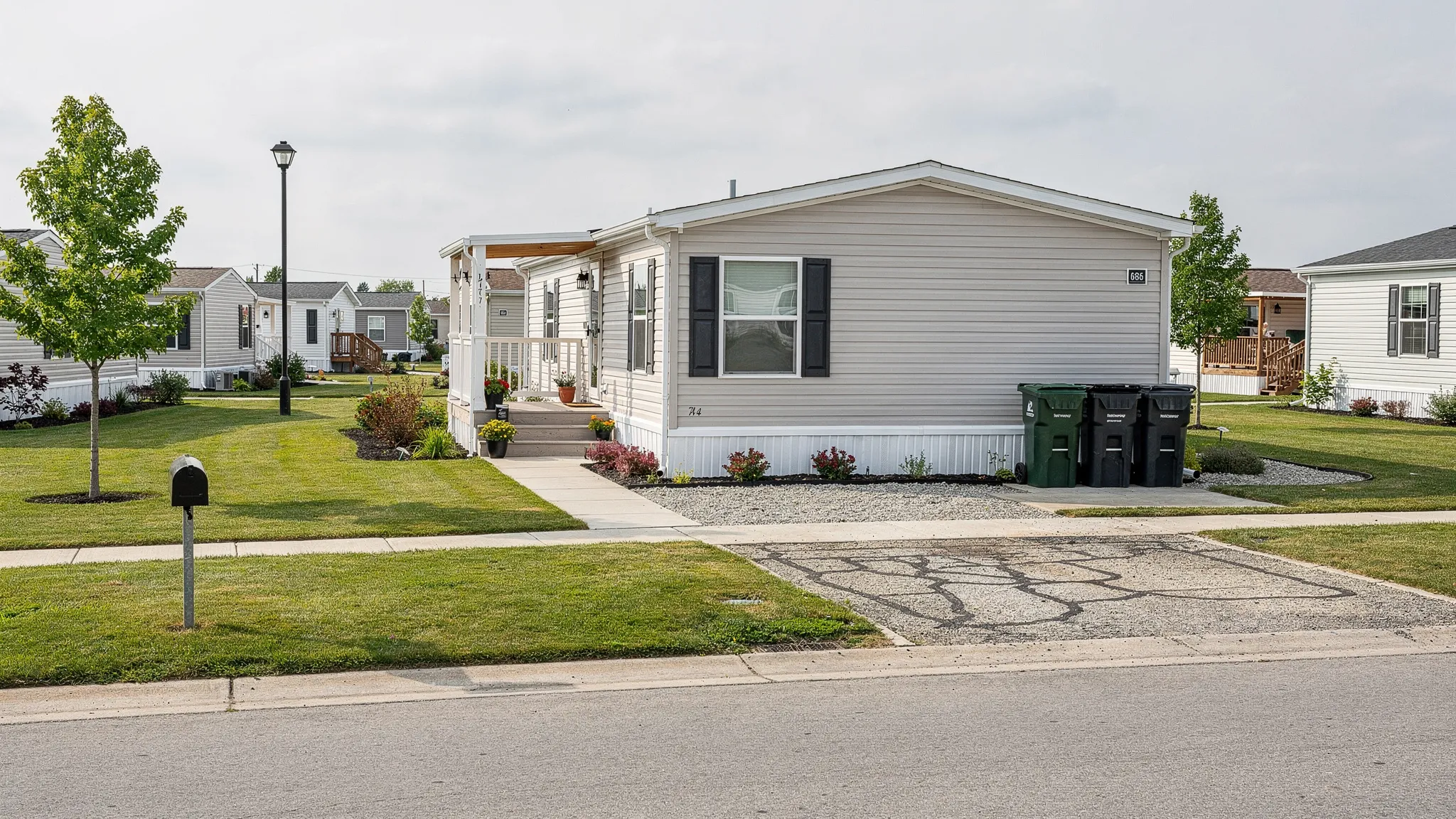

Finding mobile homes for rent cheap near me can feel like searching for a needle in a haystack, especially when listings are scattered across apps, mislabeled as “manufactured,” or posted without key details (lot rent, utilities, deposits, pet rules). The fastest way to surface real deals is to rely less on scrolling and more on the right search filters.
This guide breaks down the best filters to use, where to use them, and how to confirm you are actually looking at a safe, affordable rental (not a scam or a “too good to be true” situation).
First, define what “cheap” really means for a mobile home rental
A low advertised rent is not always a low monthly cost. Mobile home rentals often bundle costs differently than apartments, and the structure affects which filters matter.
Common rental setups you will see
- Home rental in a land-lease community: You rent the home, and the park or owner controls the lot. Your monthly payment may include some utilities, trash, or community fees, but not always.
- Home rental on private land: The home sits on an individual lot. The landlord may pass through water, septic, propane, lawn care, or other items.
- Lease-to-own (rent-to-own): Sometimes marketed as “rent,” but it is a purchase pathway. Terms vary widely, so you will want to treat these differently when filtering.
The three numbers to track
Before you apply filters, decide your ceilings for:
- Monthly rent (the advertised number)
- Monthly total housing cost (rent plus utilities plus fees)
- Move-in cost (deposit, application, pet fees, admin fees)
If you are comparing options in San Antonio, also ask whether water, trash, and sewer are billed by the community, by the landlord, or directly by the city or utility provider.
Best search filters to use (and why they work)
Most people filter only by price and bedrooms. That is how you end up with dozens of irrelevant results. These filters do the heavy lifting.
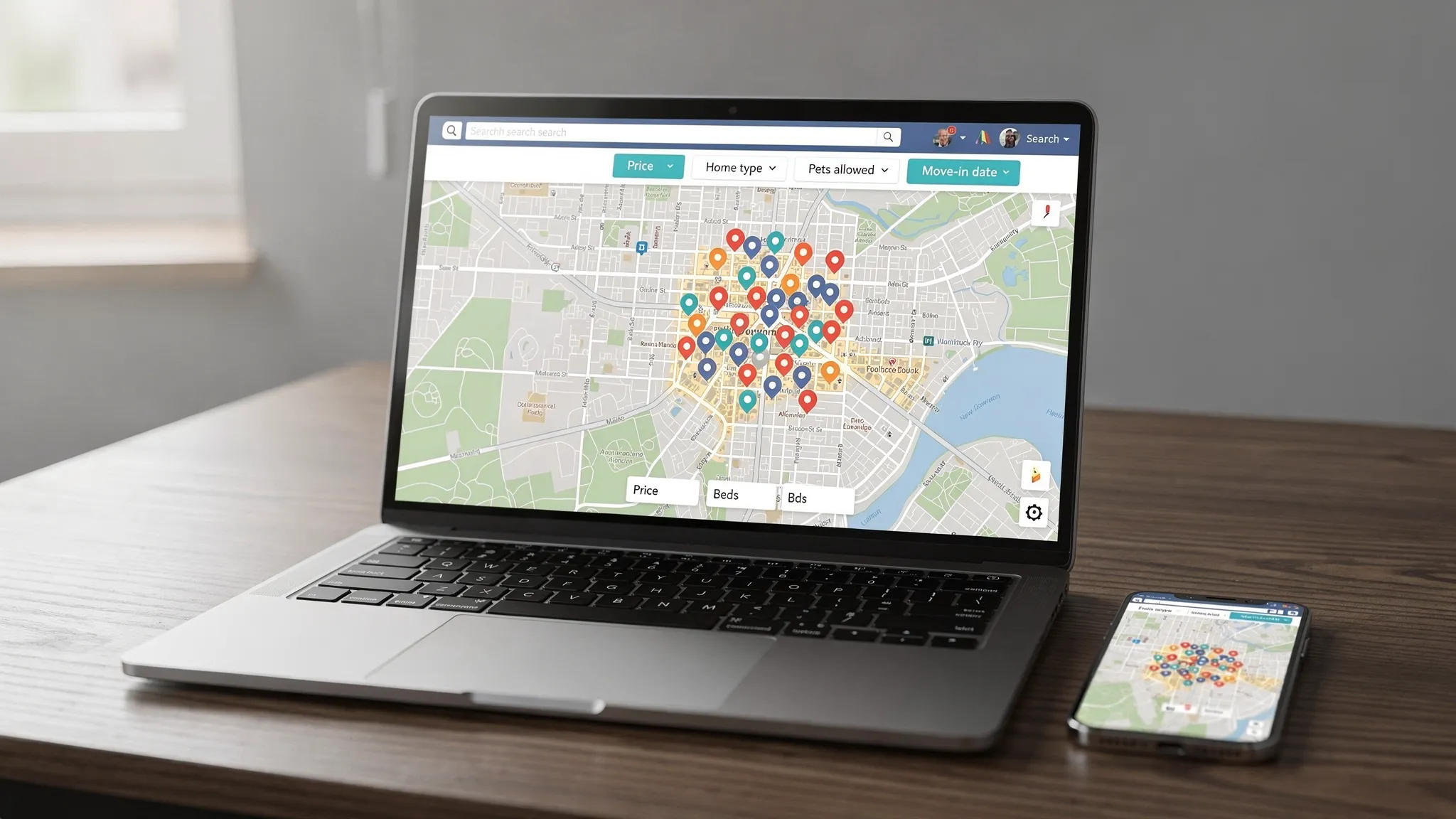
Filter 1: Home type (critical)
Use any available “home type” filter and choose:
- Manufactured home
- Mobile home
- Single-wide / double-wide (if available)
Why it works: Many platforms mix mobile homes with apartments, condos, and RV listings. Selecting the correct home type removes noise immediately.
Filter 2: Map radius and “draw” tools
If a platform offers map search, use it. Set a radius around:
- Your workplace or school drop-off area
- The neighborhoods you are realistically willing to commute from
- The outskirts where manufactured home communities are common
Why it works: Cheap listings can appear “near me” but actually be 40 to 90 minutes away. A tight map boundary stops the bait-and-switch.
Filter 3: Price plus “fees included” notes
Platforms rarely let you filter by “utilities included” perfectly, but you can still improve results:
- Use the price filter to set your maximum rent
- Then use keyword filters (when available) for terms like “water included,” “trash included,” “all bills,” or “lot rent included”
Why it works: Two listings at the same price can have very different totals. Keyword filtering helps you uncover better-value rentals.
Filter 4: Move-in date and availability
Set your move-in window as narrowly as you can.
Why it works: Many cheap listings are old, already rented, or never removed. Availability filters reduce dead ends.
Filter 5: Bedrooms, bathrooms, and square footage
If square footage is available, use it. A “2 bed” mobile home can vary drastically in livability.
Why it works: You avoid touring homes that technically match bedrooms but feel too tight for your household.
Filter 6: Pet policy
Use “cats allowed” or “dogs allowed” filters, and note:
- Breed or weight restrictions (common in communities)
- Pet deposits versus monthly pet rent
Why it works: Pet restrictions can eliminate a listing after you have already spent time applying.
Filter 7: Parking and vehicle rules
Mobile home communities may limit:
- Number of vehicles
n- Commercial vehicles - On-street parking
Why it works: If you have multiple drivers in the household, this filter can be the difference between a workable rental and a constant headache.
Filter 8: Age-restricted communities (55+)
If a platform allows it, exclude age-restricted listings unless they fit your situation.
Why it works: Some of the cleanest, most affordable listings are in 55+ communities, but they can be a non-starter for many households.
Filter 9: Furnished / appliances included
For budget shopping, “appliances included” matters as much as rent.
Why it works: Buying a fridge, washer, and dryer can crush a “cheap” rental budget.
Filter 10: Listing source (owner vs property manager)
If a platform lets you filter by listing type, try both.
Why it works: Some deals are posted by local managers who turn inventory faster, while some of the best bargains are direct-owner rentals that never hit major platforms.
Quick-reference table: filters that reduce wasted time
| Filter | What to set | What it protects you from |
|---|---|---|
| Home type | Manufactured/mobile home | RV listings, apartments mislabeled as “mobile” |
| Map boundary | Tight commute zone | “Near me” listings that are far outside your range |
| Price + keywords | Max rent + “utilities included” terms | Surprise monthly fees that blow the budget |
| Availability | Your real move-in window | Dead listings and already-rented homes |
| Pets | Cats/dogs allowed + restrictions | Denials after applying or touring |
| Parking | Required spaces and rules | Community rules that do not fit your household |
| Age restrictions | Exclude 55+ if needed | Time spent on ineligible communities |
| Appliances | Must-have appliances | Big upfront costs after move-in |
Where to search (and how to filter on each)
Different platforms require different tactics because mobile home rentals are not organized consistently.
Zillow, Trulia, and HotPads (strong for map filtering)
Best use: Map view plus home type, price, beds, and move-in date.
What to watch: Many mobile home rentals show up under “houses,” so try both “houses” and “manufactured” if the platform does not clearly separate them.
Facebook Marketplace (strong for local deals, higher risk)
Best use: Keyword searching plus aggressive screening.
Try searches like:
- “mobile home for rent”
- “manufactured home rental”
- “trailer for rent”
- “park model for rent” (sometimes used incorrectly)
What to watch: Scams and duplicate posts. Never send a deposit before seeing the home and verifying the owner or manager.
Craigslist (still useful, must be verified)
Best use: Use the housing category filters plus keyword search, then verify thoroughly.
What to watch: Copy-and-paste scam listings. If the price is dramatically below the market and the poster refuses a showing, move on.
Local community and property management sites (often the most accurate)
Best use: When you identify a community you like, check their official website or call the office to ask about rentals.
What to watch: Some communities primarily sell homes and only occasionally have rentals. Inventory can change week to week.
How to tighten results fast using “must-have” vs “nice-to-have” filters
If you apply too many filters at once, you can accidentally hide good options. A better approach is:
-
Start with must-have filters: area, max rent, bedrooms, pets (if relevant).
-
Then narrow with deal-breaker filters: availability date, parking, age restrictions.
-
Finally, evaluate manually for nice-to-haves: updated interiors, fenced yard, covered parking.
This method is especially helpful in competitive markets where the best-priced listings rent quickly.
Confirm it is truly affordable: the “total monthly cost” checklist
When you find a promising listing, ask for a full monthly breakdown before you apply. The goal is to avoid surprises after approval.
Ask the landlord or community manager:
- What utilities are included, and what is billed separately?
- Is trash or sewer included?
- Is lawn care included, or is it the tenant’s responsibility?
- Are there monthly fees (admin, amenities, pest control, valet trash, package fees)?
- What is the deposit, and are there additional deposits for pets?
If you are comparing multiple options, keep a simple spreadsheet with rent, estimated utilities, deposits, and any recurring fees.
Red flags (especially when the price looks “too cheap”)
Cheap rent is great, but unusually cheap rent can signal a problem. Be cautious if:
- The poster will not do an in-person showing (or claims they are “out of state”)
- You are asked to pay with gift cards, crypto, or wire transfers
- The listing has no interior photos and no address details
- The “owner” cannot answer basic questions about utilities, lease terms, or community rules
If you want a neutral reference for what defines a manufactured home (and how it differs from other types), the U.S. Department of Housing and Urban Development (HUD) provides foundational information on housing programs and standards.
If you keep searching “mobile homes for rent cheap near me,” consider this alternative
Some renters search for months because inventory is limited, especially for clean, move-in ready homes at lower price points. If you are repeatedly running into:
- High deposits
- Strict pet rules
- Unstable rent increases
- Few available listings
…it may be worth comparing renting versus buying a manufactured home, particularly if you plan to stay in the San Antonio area for a few years.
Modern manufactured homes can offer features renters often struggle to find in low-cost rentals (more space, newer interiors, energy-efficient designs). In other housing markets, companies focused on modular, energy-efficient builds with fixed pricing and fixed timelines highlight the same appeal of predictable costs and faster paths to housing, for example energy-efficient modular homes with fixed pricing. While that is a different market, the underlying lesson transfers: when affordability matters, predictability matters too.
How Homes2Go San Antonio can help (if buying becomes the smarter move)
Homes2Go San Antonio focuses on helping local buyers find affordable manufactured and mobile homes, with a wide selection of models and guidance through the process. If your rental search is not delivering good options, it can be helpful to explore what monthly payments could look like with financing.
If you are curious about pathways like chattel loans, FHA programs, VA, USDA, or conventional options (depending on whether the home is classified as personal property or real property), start with Homes2Go’s overview of manufactured home financing options. For a broader local overview, their mobile homes San Antonio buyer guide is a useful companion.
Frequently Asked Questions
What is the best app to find mobile homes for rent cheap near me? Zillow-style platforms are strong for map and price filters, while Facebook Marketplace can surface local deals. Use both, then verify listings carefully.
How do I filter out scams when searching for cheap mobile home rentals? Prioritize listings with a verifiable address, recent interior photos, and a manager or owner willing to meet for a showing. Never pay a deposit before touring and confirming who owns or manages the home.
Are “lot rent” and “rent” the same thing? Not always. If you are renting a home, your rent may or may not include the lot cost. If you are buying a home in a community, you often pay a monthly lot rent to the community separately.
Why are some mobile home rentals cheaper than apartments? Manufactured homes can have lower base rents in some areas, but you must compare total monthly costs, including utilities, fees, and deposits.
Should I consider buying if I cannot find an affordable rental? If you plan to stay in the area and you qualify for financing, buying can sometimes provide more stability than renting. It depends on your timeline, budget, and preferred location.
Next step: stop guessing, and compare real options
If you are stuck cycling through the same “cheap near me” listings with no luck, it may be time to compare renting against a move-in ready manufactured home. Homes2Go San Antonio can help you review home models, explore floor plans, and understand financing options so you can choose the path that fits your monthly budget.
Explore financing options or start with the San Antonio buyer guide to see what homeownership could look like in today’s market.
 Cheap Rent Mobile Homes Near Me: Spot Scams Fast